Docker - Installation and Basic Operation
This note is not anything about theoretical aspect of Docker or deep underline technology. You would find a lot of those informations by googling or from youTube. This note is just a collection of operation tips that is intended to be used as a cheatsheet for you (for me as well).
- My Setup
- Docker Installation
- Run the hello-world image into a container in the docker
- List images on local repository
- List containers
- Remove containers / remove images
- Install an OS in the docker
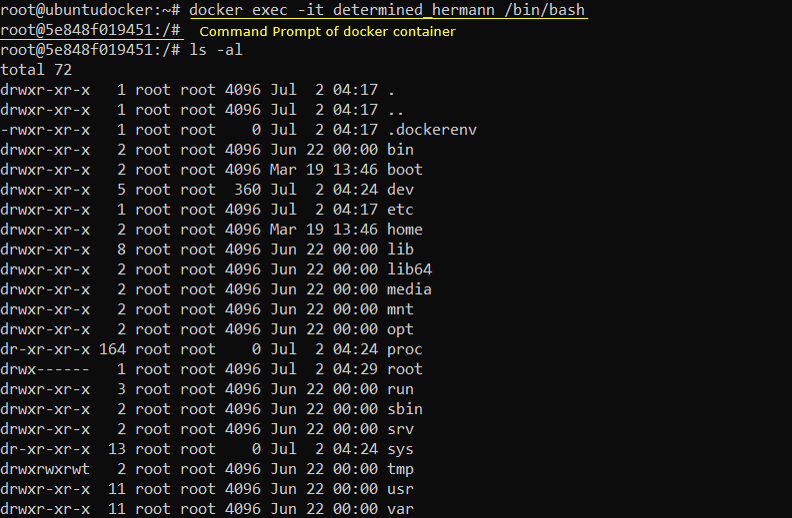
- Getting Into the Container
- Finding the IP address of a container
- Installing Application Software into a container
- Creating a New Docker Image
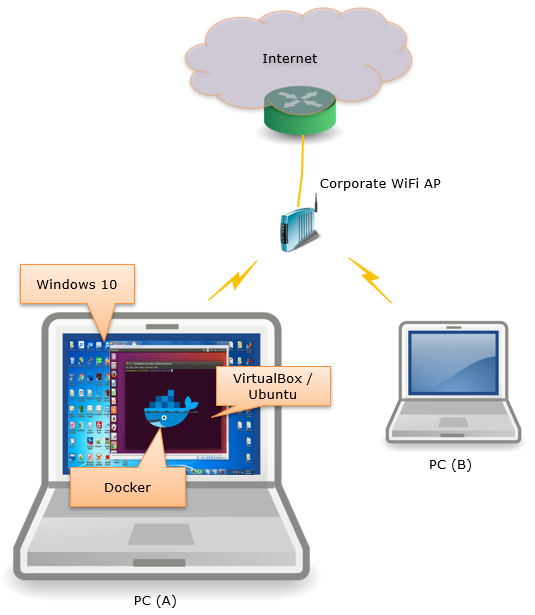
Following is the high level diagram of my setup where I am doing most of the operations listed in this page.
|
sudo apt install apt-transport-https ca-certificates curl software-properties-common |

|
curl -fsSL https://download.docker.com/linux/ubuntu/gpg | sudo apt-key add - |

|
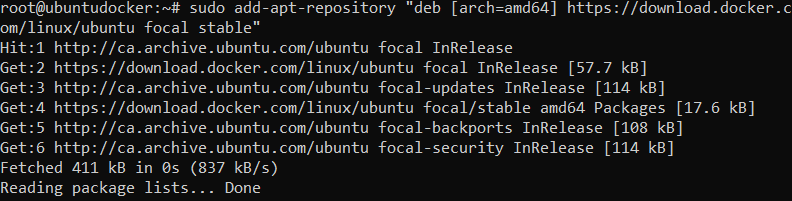
sudo add-apt-repository "deb [arch=amd64] https://download.docker.com/linux/ubuntu focal stable" |
|
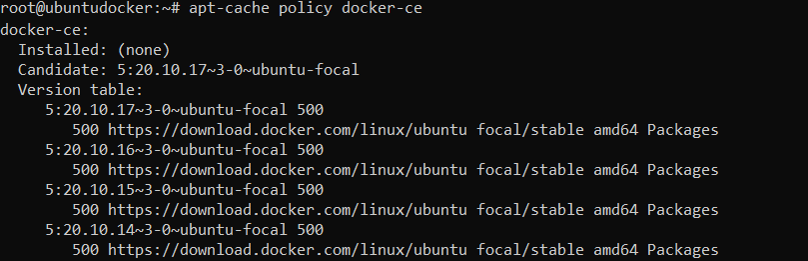
apt-cache policy docker-ce |
|
sudo apt update |
|
sudo apt install docker-ce |
|
sudo systemctl status docker |

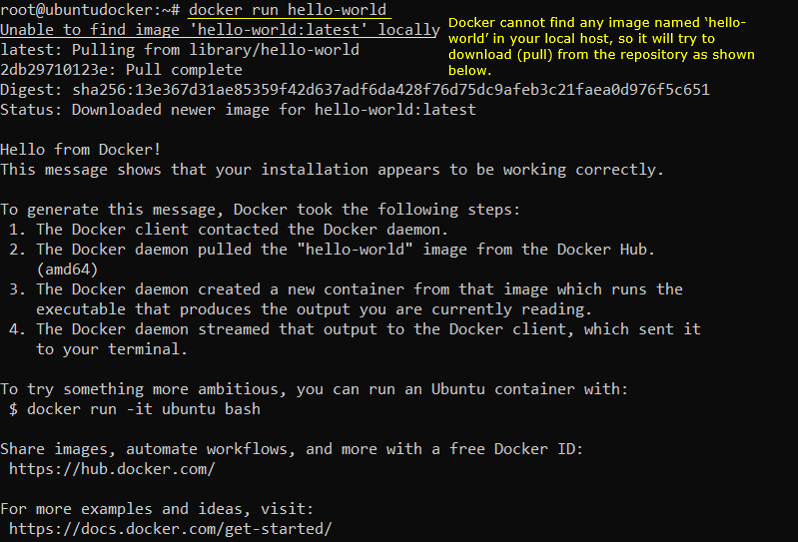
Run the hello-world image into a container in the docker
|
docker run hello-world |
List images on local repository
|
docker images |

|
docker container ls -a |

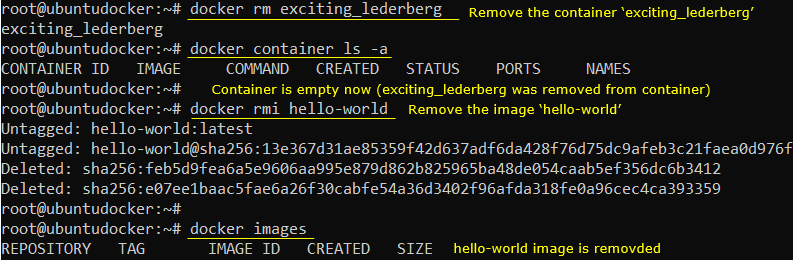
Remove containers / remove images
|
docker rm [container name or container id] docker imi [image name] |
NOTE : you need stop the container before you remove it (you can stop the container with 'docker stop [container name or id]')
|
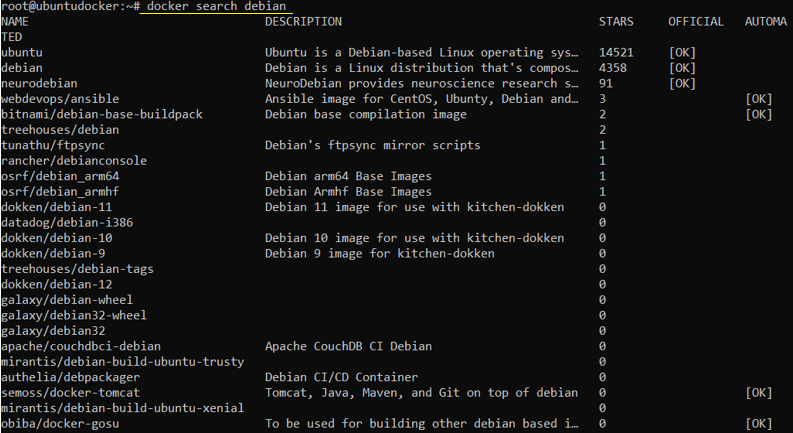
docker search [OS] |
|
docker pull [OS] |

|
docker ps |

|
docker container stop determined_hermann |

|
docker container start determined_hermann |

|
docker exec -it [container name or id] [command line processor name] |
Finding the IP address of a container
|
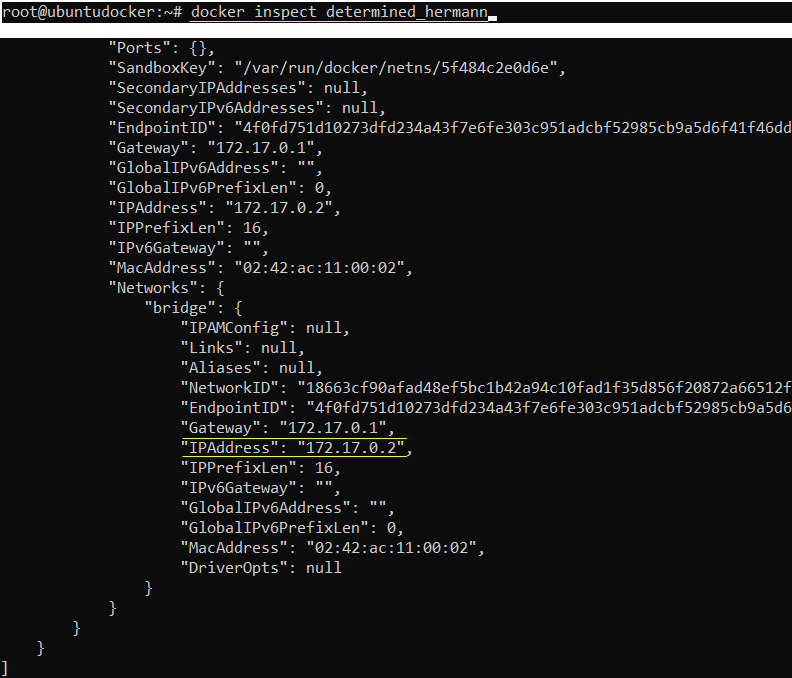
docker inspect [container name or id] |
|
docker exec -it [container name or id] | grep IPAddress |

Installing Application Software into a container
Refer to this note for installation of the application software.
|
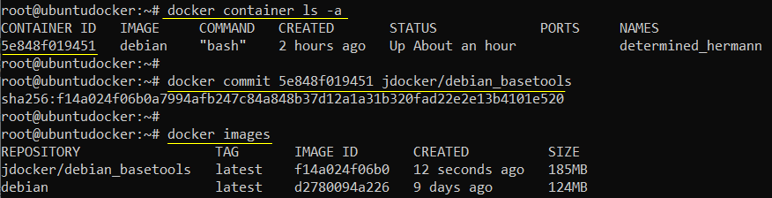
docker commit [container id] [repository name] |
Reference :