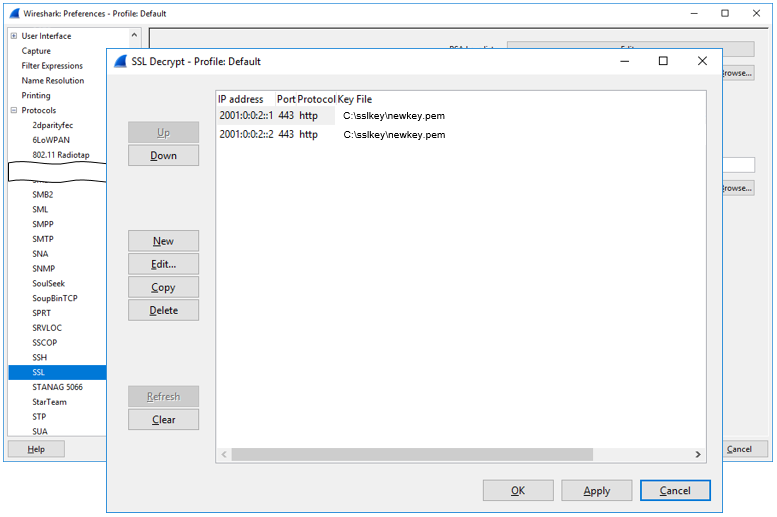
wireshark
- Filter - IP Source Address
- Filter - IP Destination Address
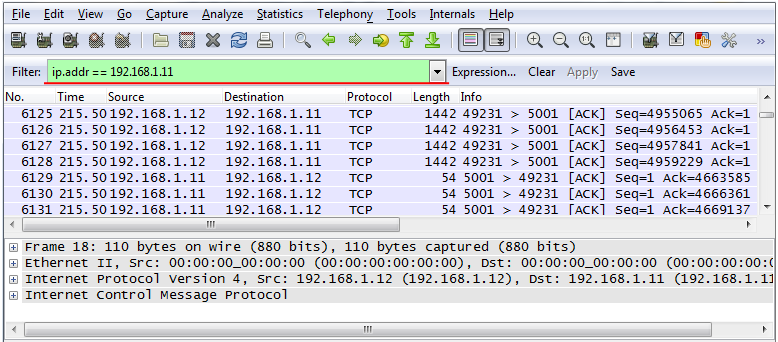
- Filter - IP Source or Destination Address
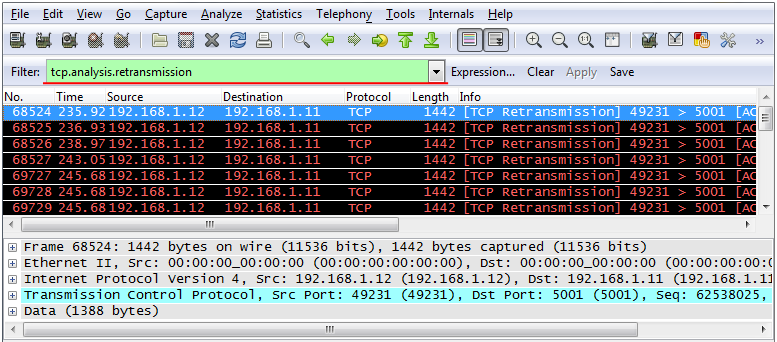
- Filter - TCP Retransmission
- Filter - MAC pause frame
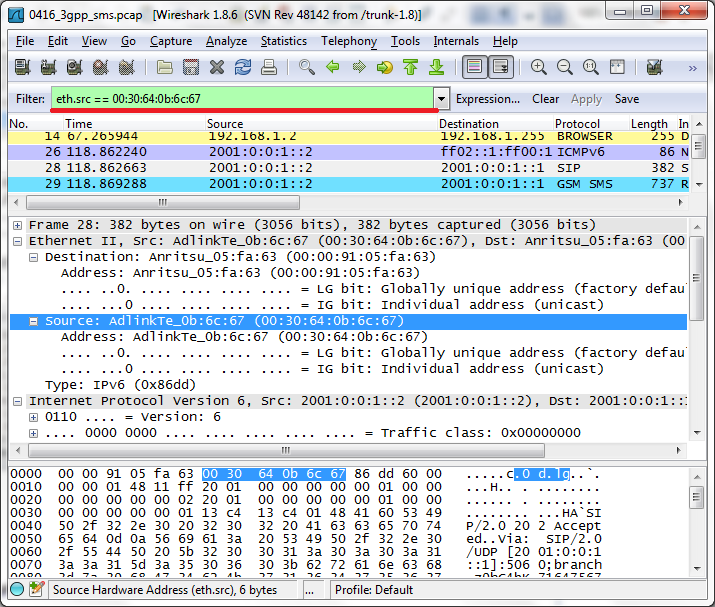
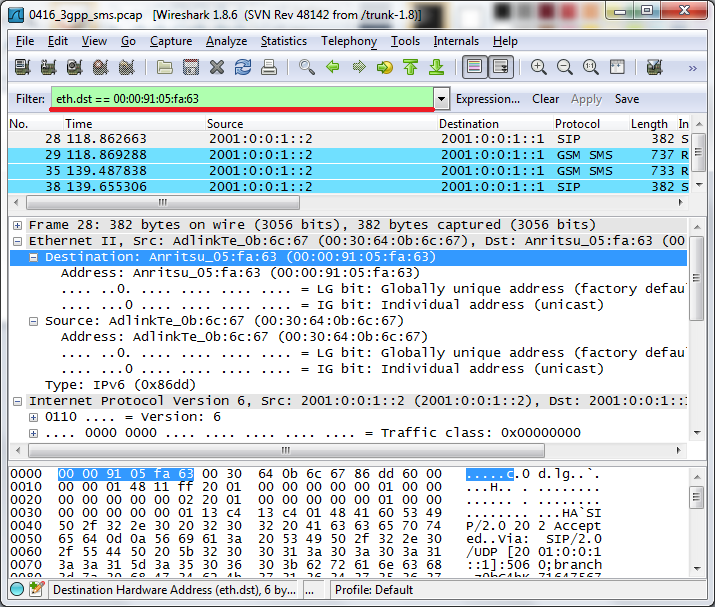
- Filter - MAC Address
Filter
Graph
Protocol
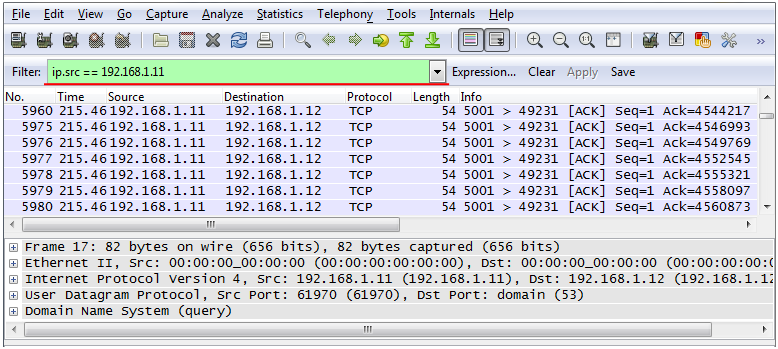
Filter - IP Destination Address

Filter - IP Source or Destination Address

Note : If you want to know the meaning of pause_time, refer to Ethernet : Pause Frame page.
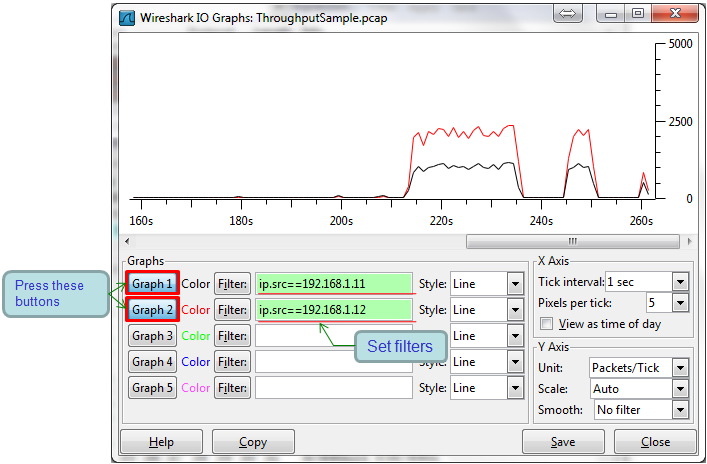
Graph - Receive and Tramsmit plot on Single Window
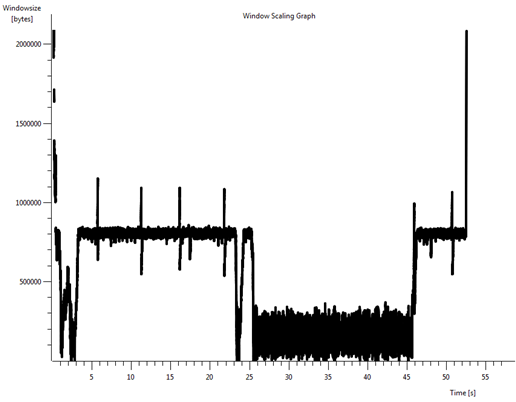
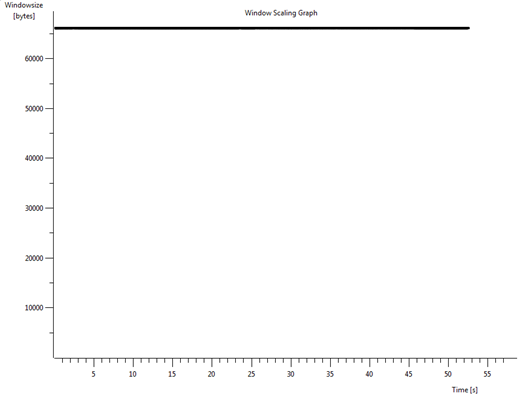
Graph - TCP Stream - Window Size, RTT
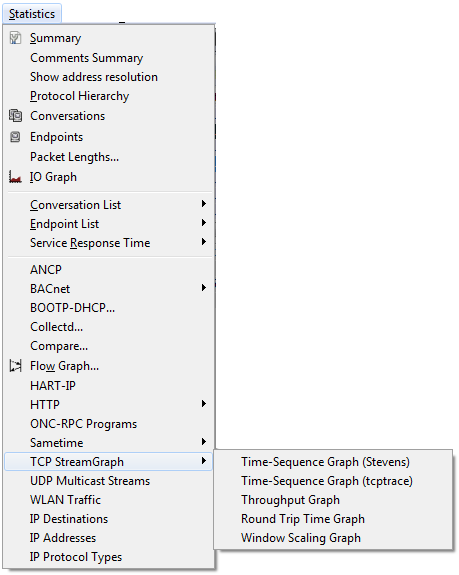
i) Filter the TCP packets that you want to plot (or just click on a TCP packet with a certain source and destination IP that you want to analyze)
ii) Run [Stat]->[TCP StreamGraph]->[Window Scaling Graph]
i) Filter the TCP packets that you want to plot(or just click on a TCP packet with a certain source and destination IP that you want to analyze)
ii) Run [Stat]->[TCP StreamGraph]->[Window Scaling Graph]
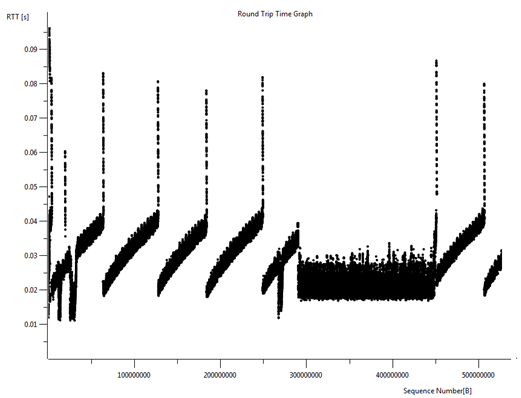
Example 3 : RTT (Round Trip Time) >
i) Filter the TCP packets that you want to plot(or just click on a TCP packet with a certain source and destination IP that you want to analyze)
ii) Run [Stat]->[TCP StreamGraph]->[Round Trip Time Graph]
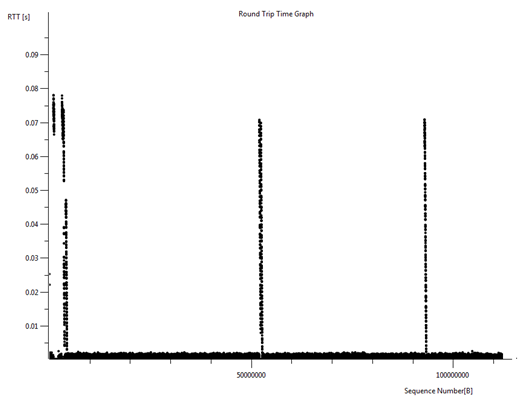
Example 4 : RTT (Round Trip Time) >
i) Filter the TCP packets that you want to plot(or just click on a TCP packet with a certain source and destination IP that you want to analyze)
ii) Run [Stat]->[TCP StreamGraph]->[Round Trip Time Graph]
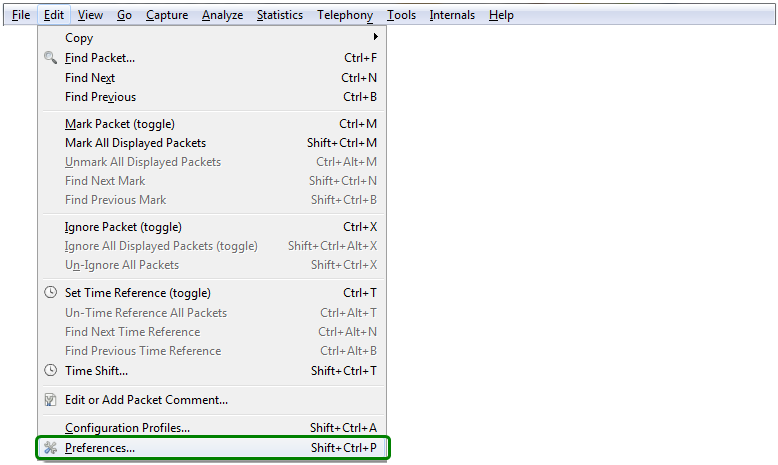
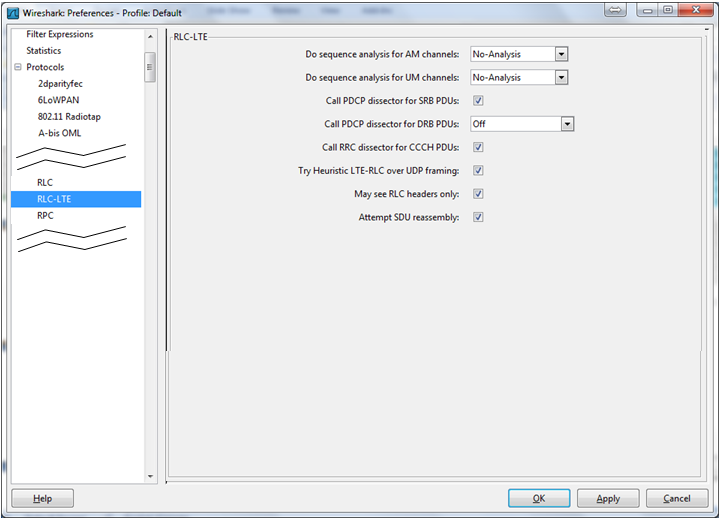
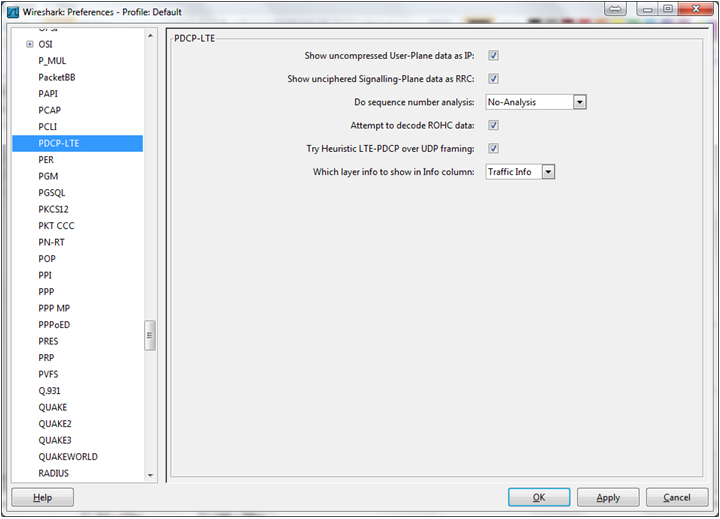
Following setting is based on Wireshark version 11.x. If you use version 12.x, you may see a little different settings. So this tip would not work.
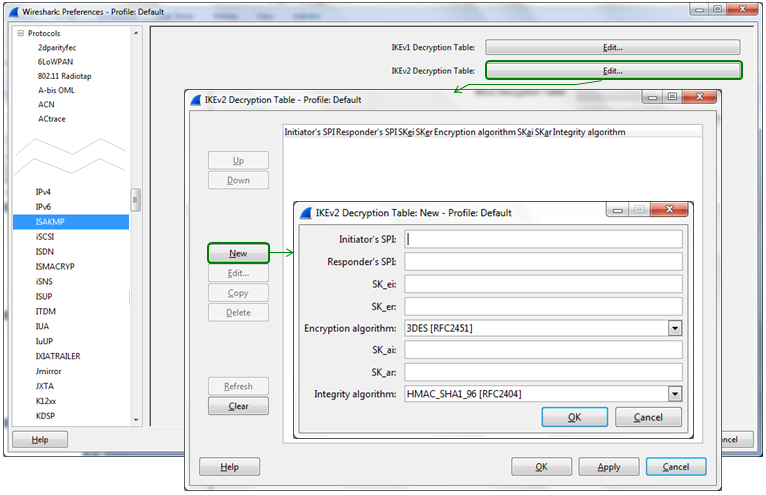
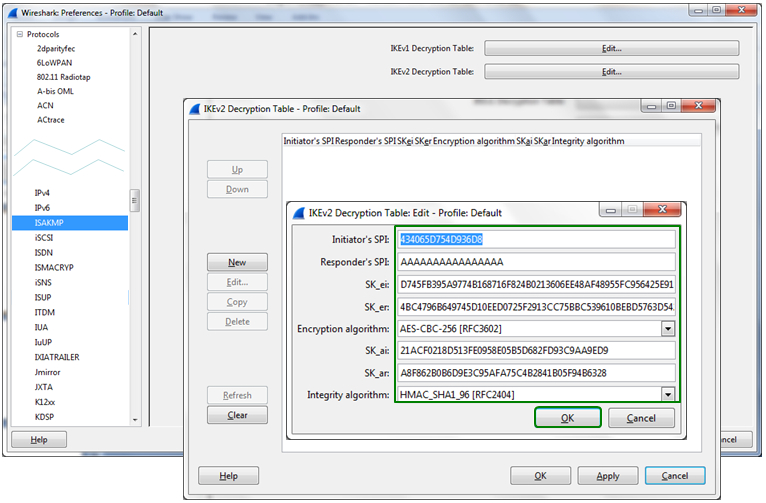
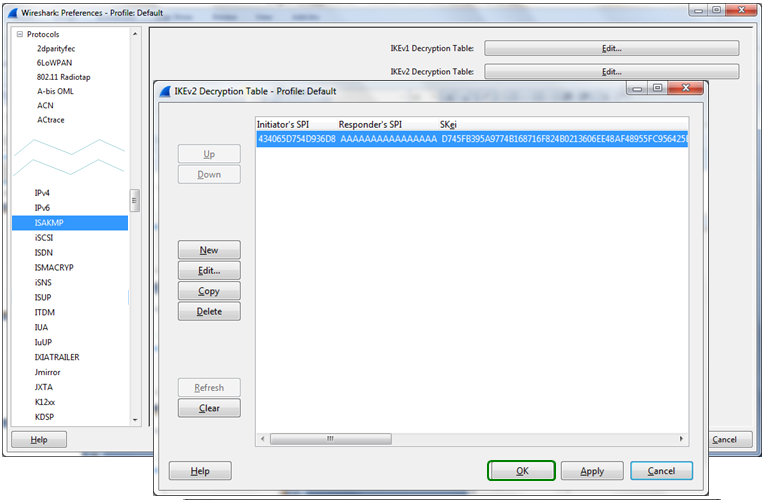
Protocol - ISAKMP - IKEv2